This article contains the following contents:
1. How to follow a Master Trader
2. How to manage your copy trading order
How to follow a Master Trader
Step 1:
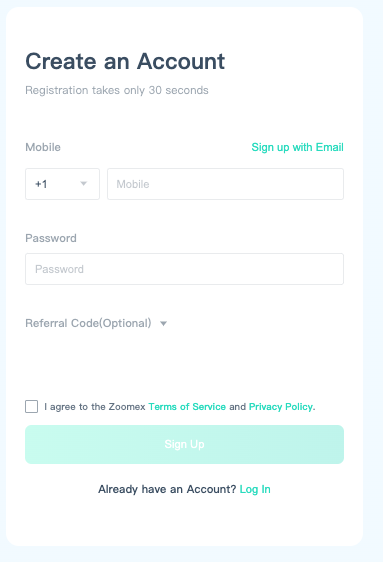
Log in to your account. If you do not have an account , please create a Zoomex account first.
Step 2:
Enter the Copy Trading page, select a master trader you prefer, and click [Follow].
Tips:
- Copy trading is high-leverage and high-risk. Please choose your master trader carefully before starting the copy trade.
- The historical data displayed on the trader's card is for reference only.
Step 3:
After following a master trader, you can set up your order. Select your order following mode settings, margin mode, leverage, order size and take profit/stop loss ratio.
Step 4:
You have successfully followed a Master Trader!
How to manage your copy trading order
Step 1:
Click on [My follows]
Step 2:
You can manually close your copy trades in the [Current Orders] tab under Operations.
Step 3:
To manage your copy trading order setup, click on [My Trader] tab and click on [Edit].
You can manage your copy trading order setup by adjusting the order following mode settings, margin mode, leverage, and take profit/stop loss ratio on this page.
Important note:
Zoomex will pre-deduct 10% of your net profit before returning your funds and net-profits.