Step 1:
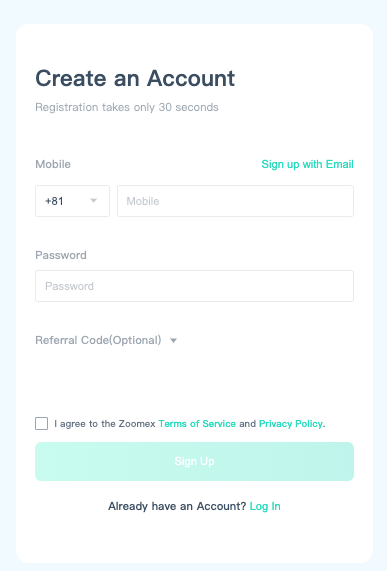
Visiting Zoomex official website (www.zoomex.com) and log into your account. If you do not have an account, please apply for a Zoomex account first.
Step 2:
Click on [Become a trader] to apply for Master Trader. Please enter the nickname, mobile phone number, email address, Telegram ID (optional), contract strategy profile and avatar.
Tips:
- In your strategy profile, you can write an overview of your trading strategy and other relevant details. A detailed and accurate trading strategy description will help attract more followers.
- Upload an avatar that reflects your characteristics. Avoid inappropriate pictures as they may deter potential followers and drive them towards other traders.
-
Review results are typically provided within 3 days. If you do not receive the results within this period, please contact support@zoomex.com for assistance.
Step 3:
Once your application is approved, you may start to create orders.
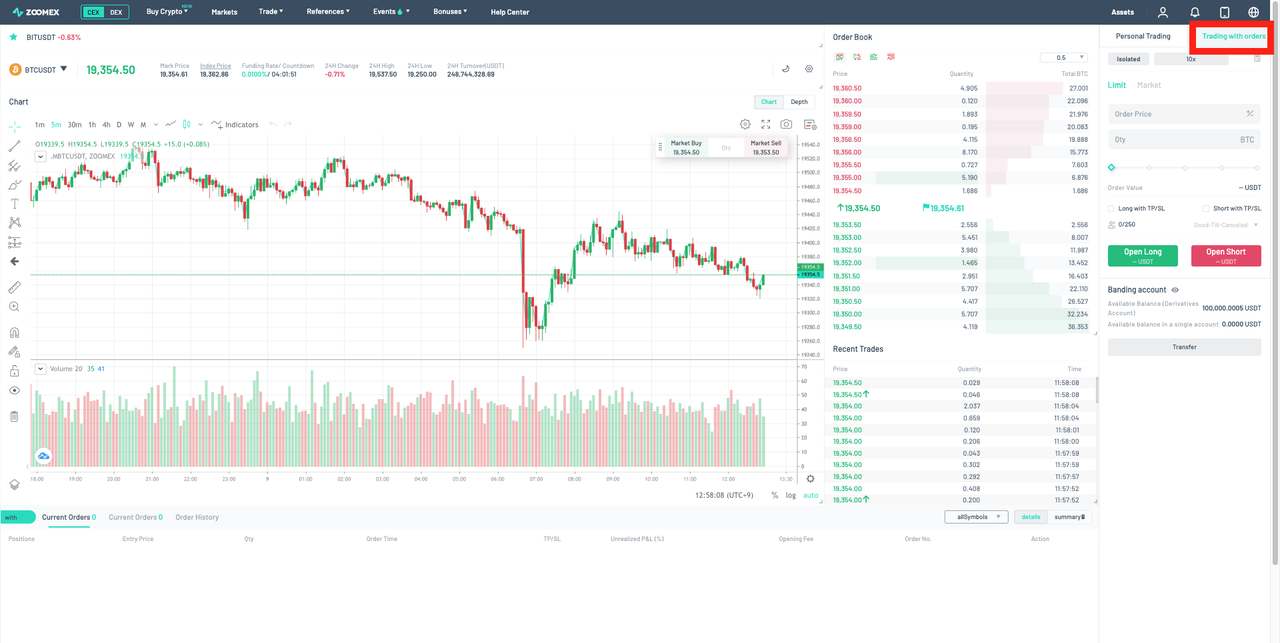
On the order page, click the [Trading with order] toggle and start trading.
Tips:
- All copy trading activities will be displayed in the tab of [Trading with order]. If you want to make personal trade, please click the tab of [Personal Trading] in the upper right corner.
- Before starting copy trading, ensure that your Copy Trading account has sufficient funds. Transfer the necessary funds to your Copy Trading account to begin.
Important notes:
- Currently, Copy Trading only supports trading pairs of USDT perpetual contracts. Please ensure that your Copy Trading account has sufficient funds to place an order.
- You can place an order after setting the position, order amounts, take profit and stop loss, leverage and trade direction.
- Each master trader can create up to 16 trading pairs at the same time, and can lead to up to 250 followers.
- After the order is set, you can confirm the placed order through the confirmation window.